What is EduVis?
The Problem
Most diagram libraries describe visuals. EduVis describes learning experiences.
A number line used to introduce a concept, one used to discover a rule, and one shown during recall are pedagogically different objects. Today's tools treat them identically.
The Solution
EduVis captures the teaching pattern — the same structure that makes great human tutors effective:
- No skipped steps
- Visual intuition before abstraction
- Confidence-building before challenge
- Retrieval to lock it in long-term memory
The Five Pillars
Try the Live Schema Editor!
Write and test your own EduVis YAML specifications in real-time. Render SVGs instantly client-side using Python WebAssembly.
Interactive Showcase
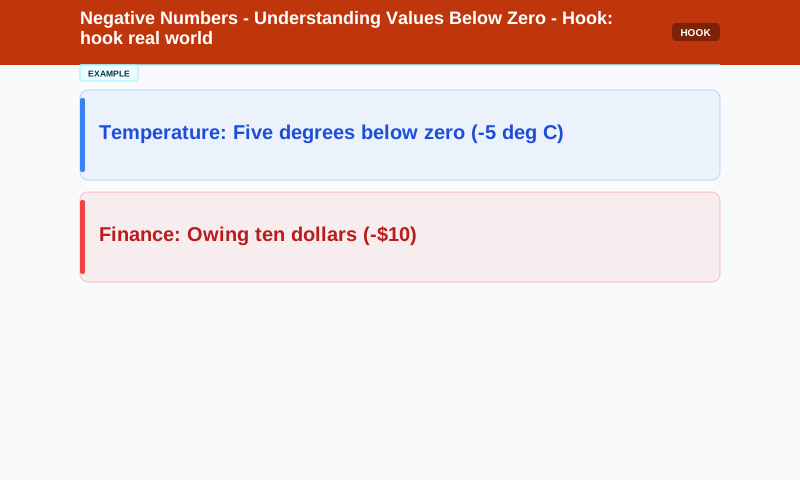
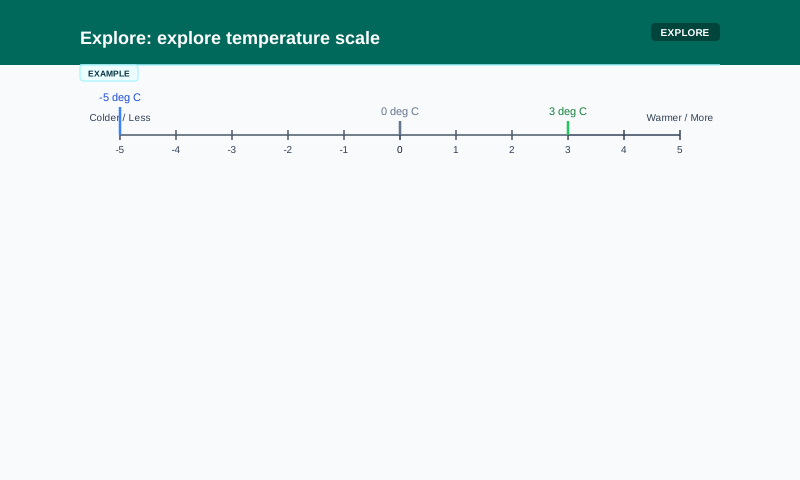
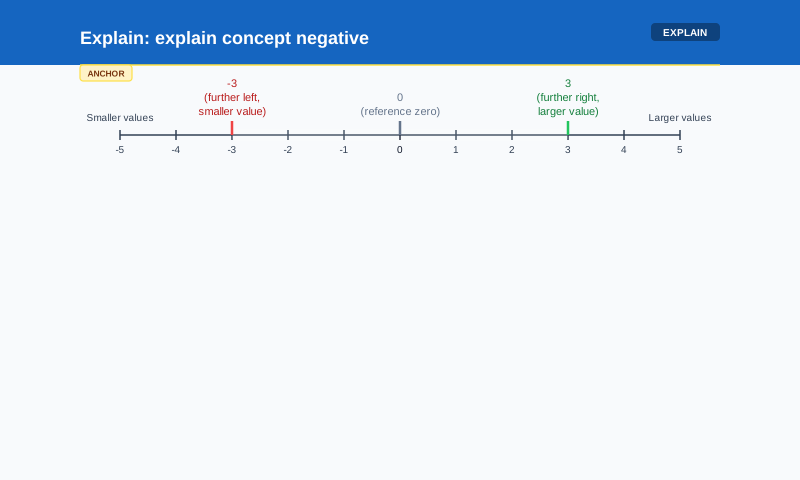
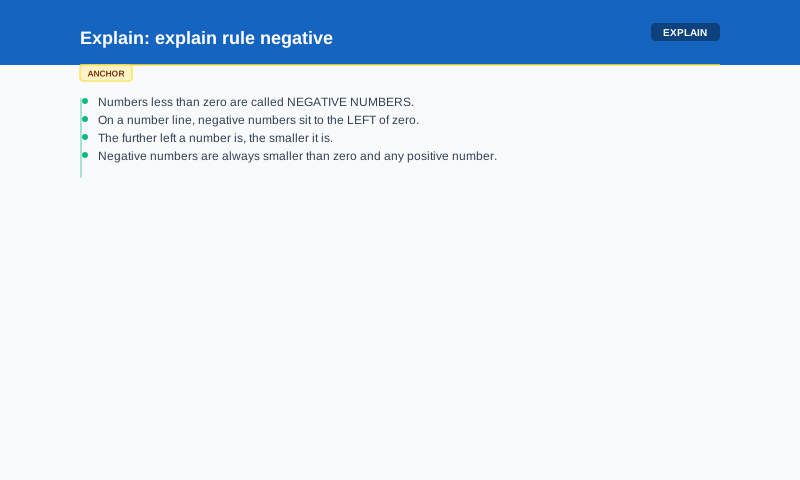
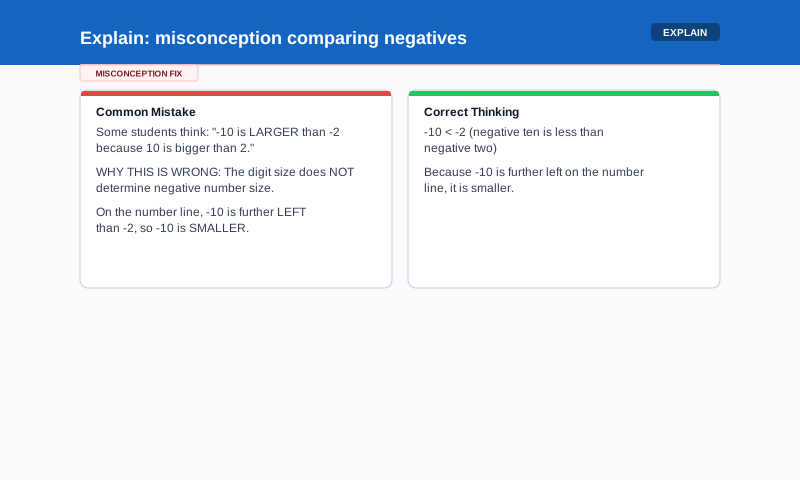
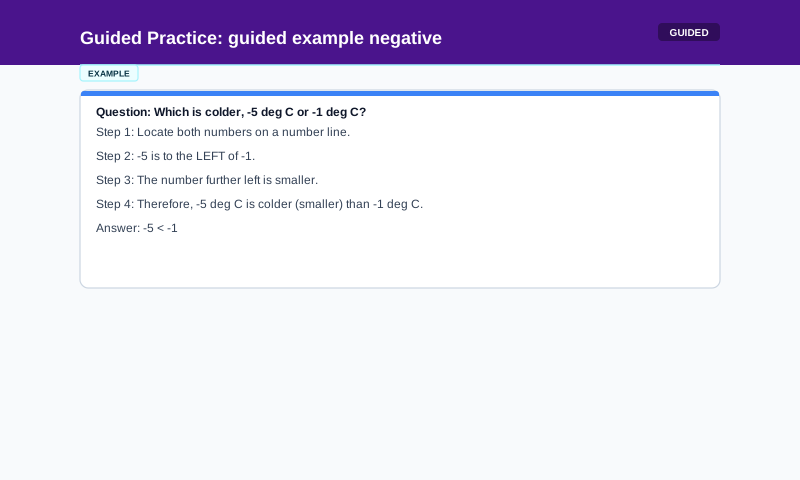
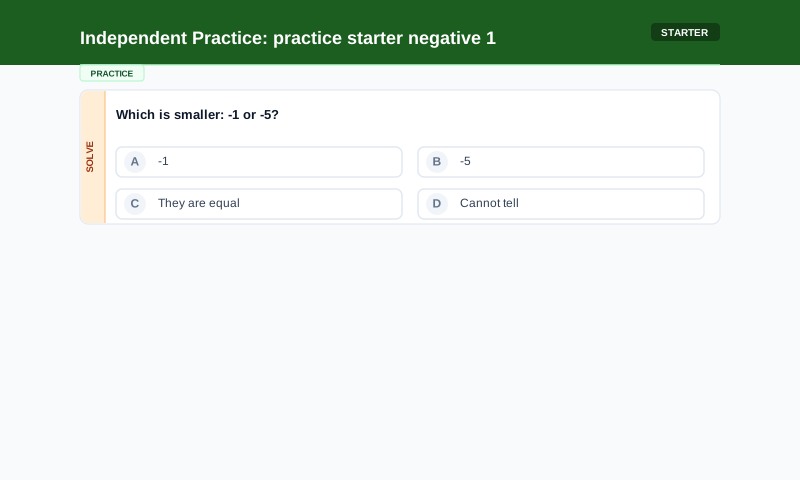
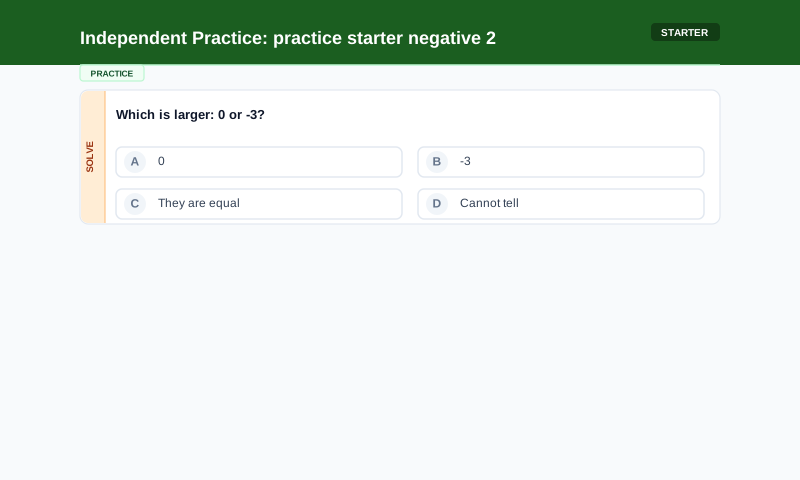
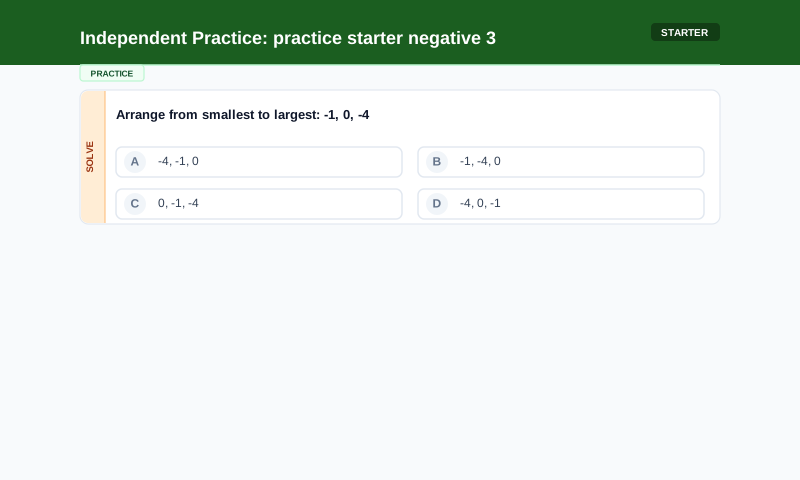
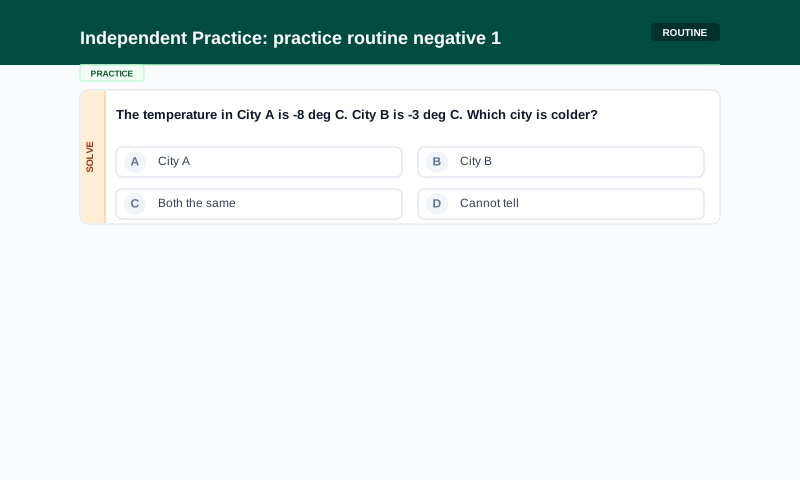
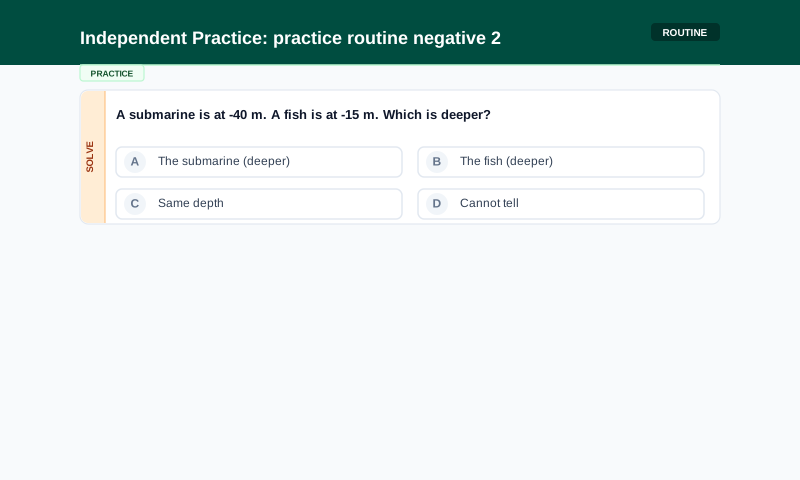
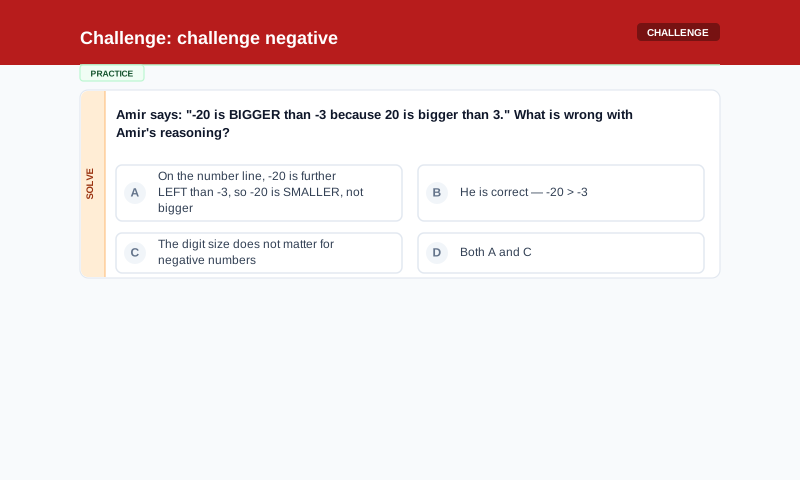
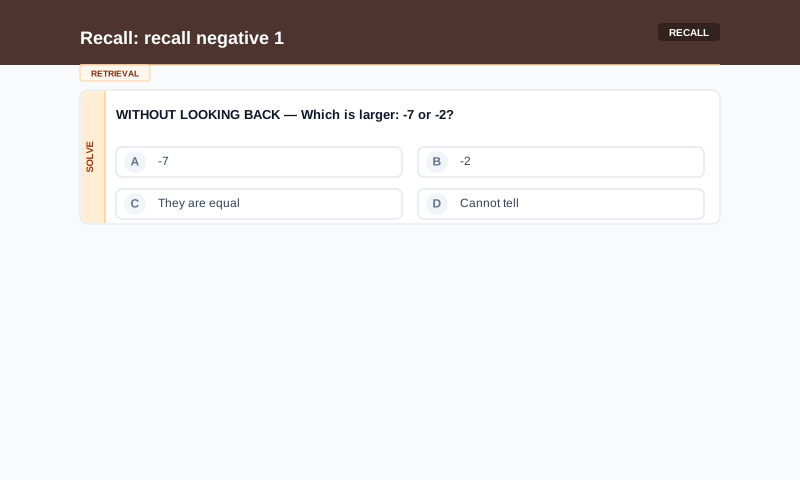
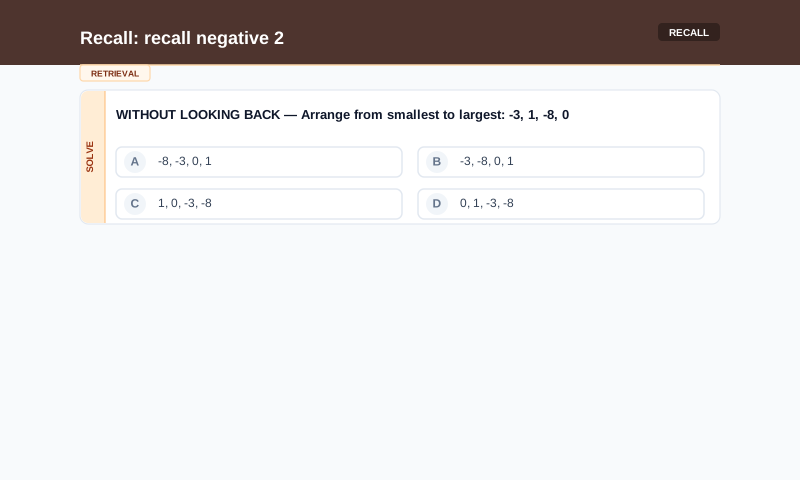
Full Lesson: Negative Numbers
Understanding values below zero — from concrete scenarios (temperature, money) to abstract rules
Demonstrates the full confidence_ladder pattern end-to-end: concrete hook before the rule is named, misconception identified and addressed before independent practice, difficulty ramped from starter to challenge, closed with retrieval practice for long-term retention.
All 14 rendered slides:
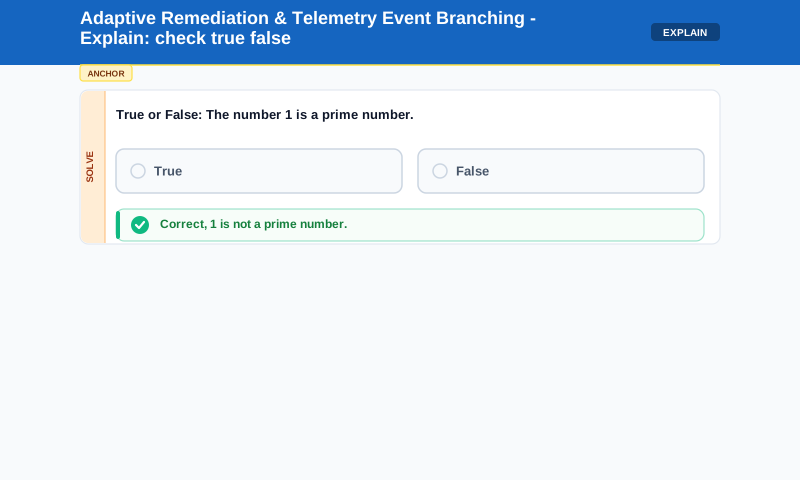
Adaptive Tutoring & Telemetry Event Branching
Encoding intelligent tutoring system (ITS) branching and MCQ misconception tracking without hardcoded logic
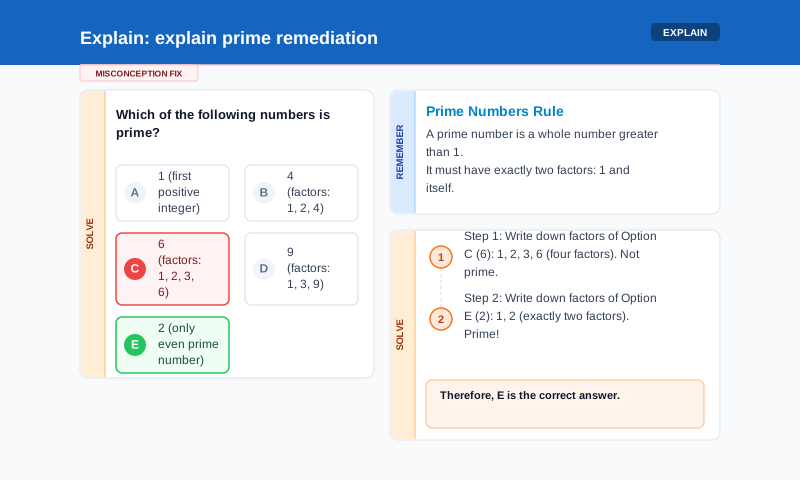
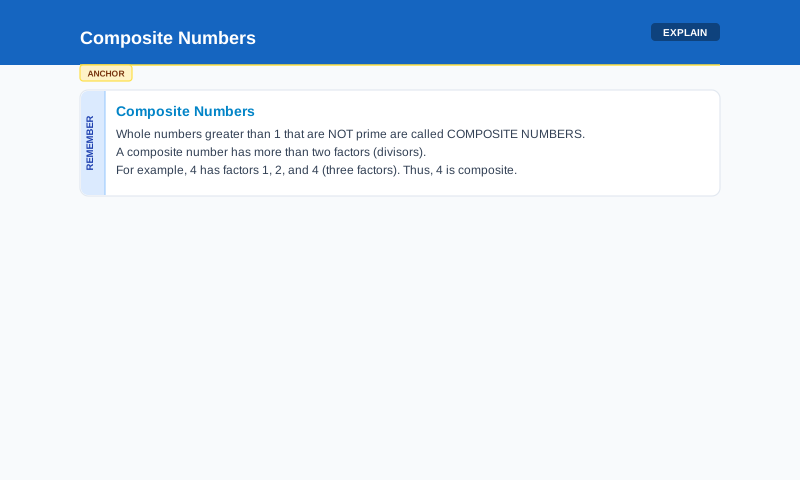
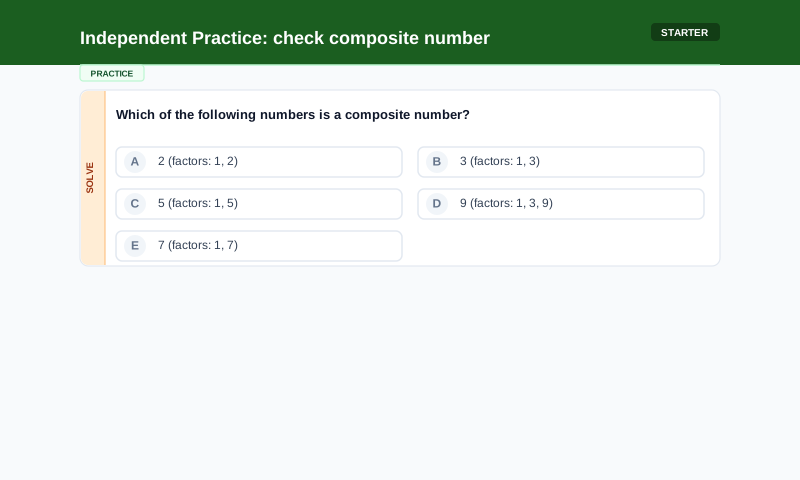
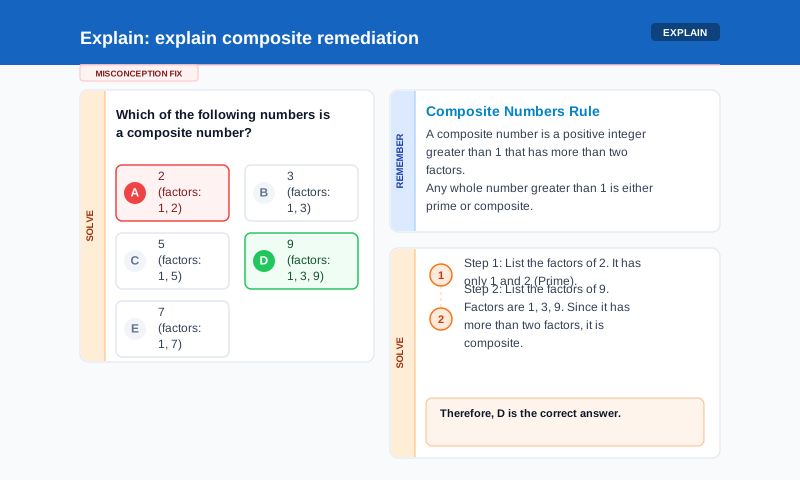
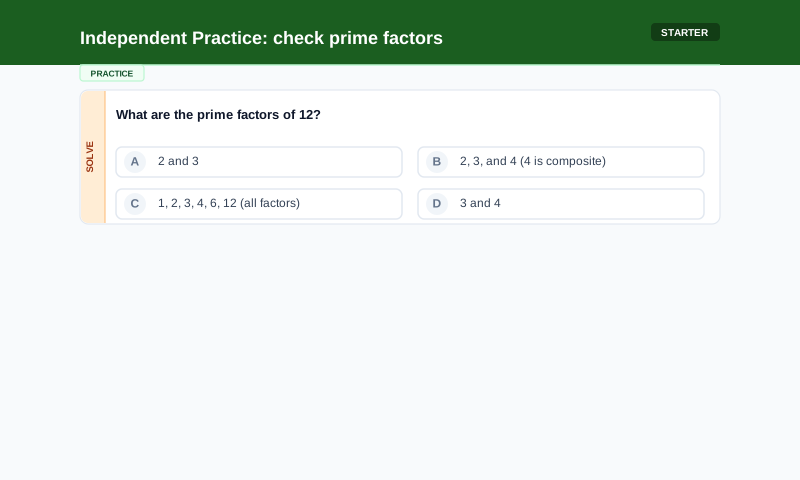
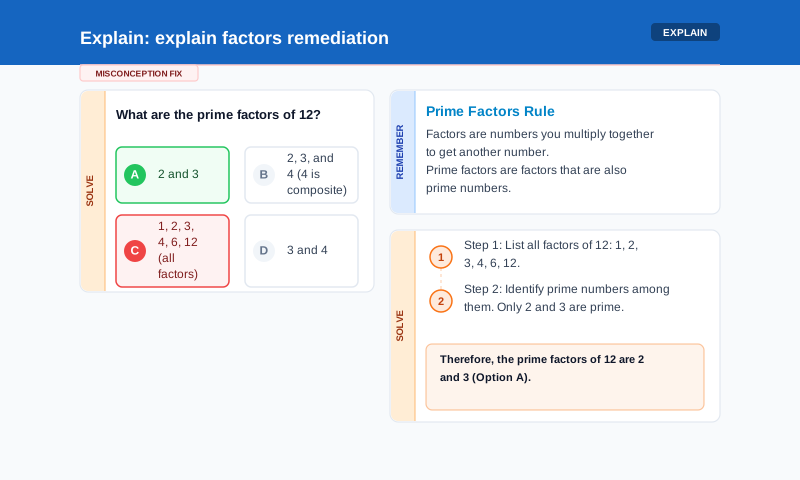
Demonstrates how EduVis handles student MCQ answers, maps misconceptions dynamically to specific codes, and uses the remediation_for relationship to present a split-screen remediation_block showing the reviewed question, conceptual anchor, and step-by-step solutions.
All 8 rendered slides:
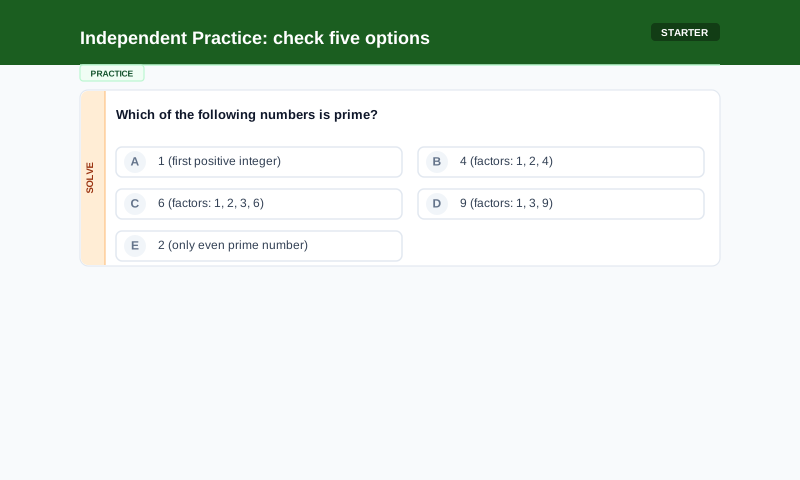
Visual Elements Catalog
A reference catalog showing one slide per element type and geometric primitives supported by EduVis
Serves as an exhaustive visual playground for all mathematical and general visual components. Includes advanced 3D shapes (cylinders, cones, prisms), 2D coordinate planes with equations, bar models, fraction circles, and specialized math grids for step-by-step arithmetic.
All 13 rendered slides:


Assessment Schemas & Mastery
Leveraging assessment target annotations, marking schemes, and misconception mappings for tracking mastery
Highlights the rich metadata layer that powers assessment logic, automated marking (e.g. algebraic syntax equivalence), misconception diagnostics, and method-and-accuracy grading rubrics. These annotations drive the telemetry events that feed the Learner State and Mastery Projection models.
All 4 rendered slides:


What You're Seeing
The YAML specs above are the "instructional meaning."
The SVG slides are just one rendering of that meaning.
The same lesson YAML could be rendered as:
The educational structure — elements, actions, placement, progression, relationships — remains constant. Only the presentation format changes.